Foundation for Academic Excellence
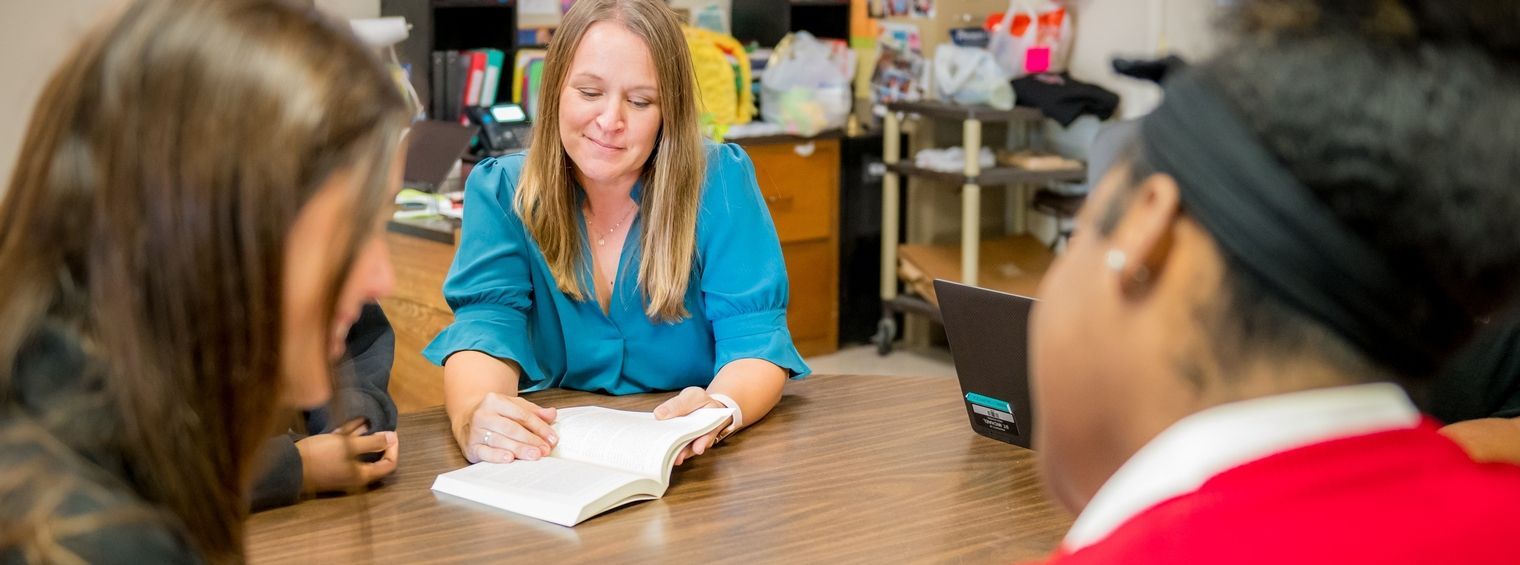
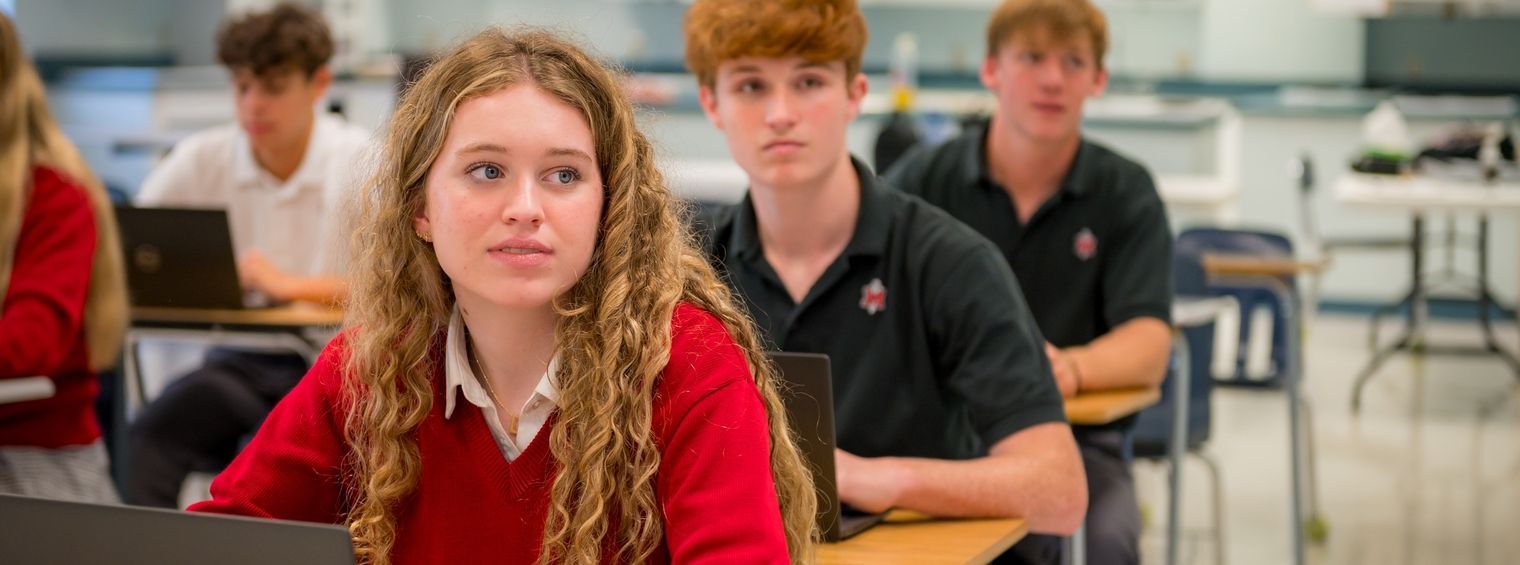
Since 1984, St. Michael has provided the academic foundation needed for success in college and the 21st century global community. Our school utilizes a 1:1 laptop program to better prepare students to be independent, creative learners, and problem solvers.
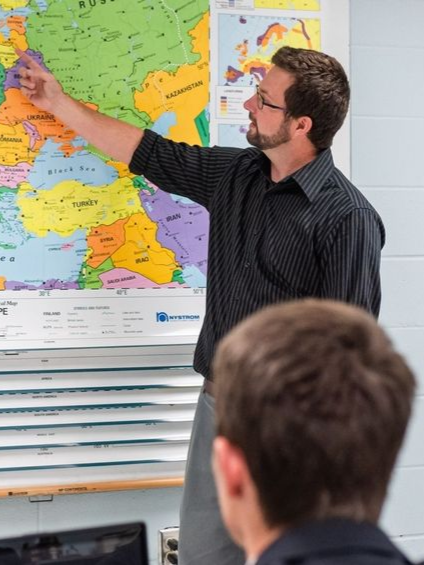
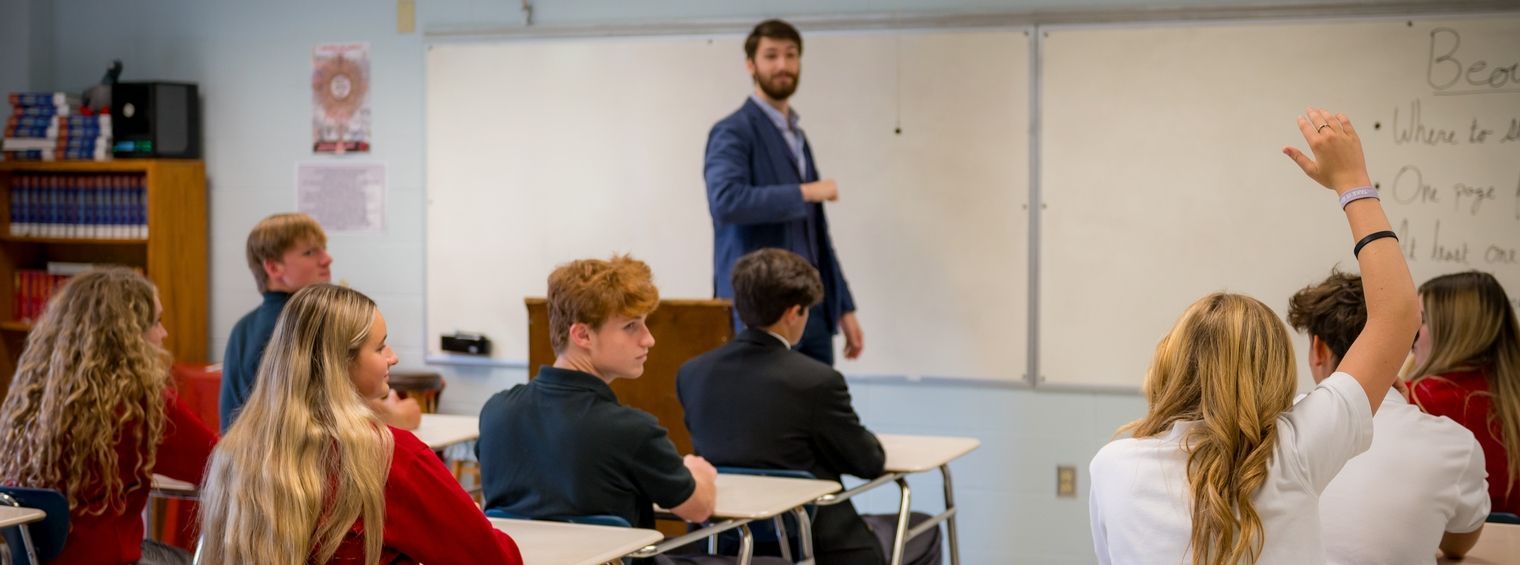
Our curriculum provides students with challenges and opportunities to make the most of a variety of course offerings, including Advanced Placement, Honors, and Dual Enrollment classes. Our vast program of studies affords each student a unique opportunity to pursue his/her academic potential and interests through innovative, enriching courses aligned with state and national standards. Students have access to a range of class electives for any interest, including Engineering, Coding and Game Development, Leadership and Faith, Life Skills, and Clothing. Additionally, each year students are enrolled in a Theology course, tailored to build a lasting impact on their faith formation.
Through personalized guidance and a range of opportunities, our students find their paths to excellence at St. Michael in and out of the classroom.
College Acceptances
Provide students with challenges and opportunities
Curriculum & Departments
Theology
English
Foreign Language
Mathematics
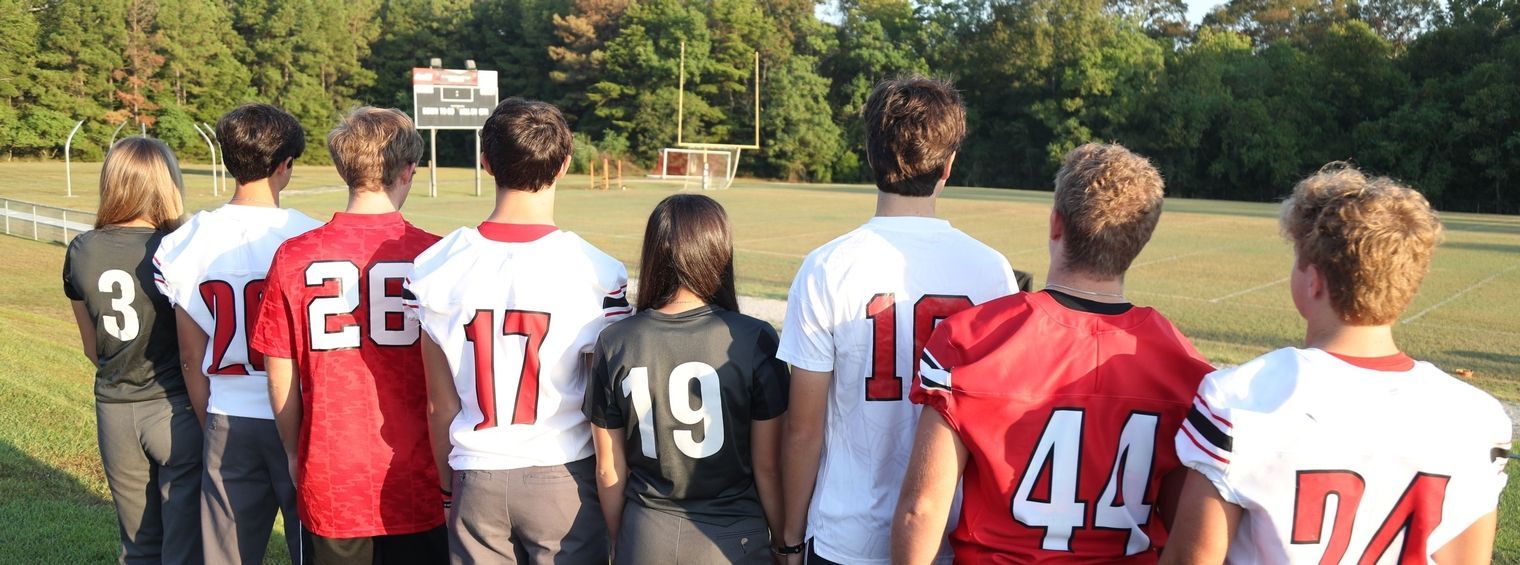
Physical Education
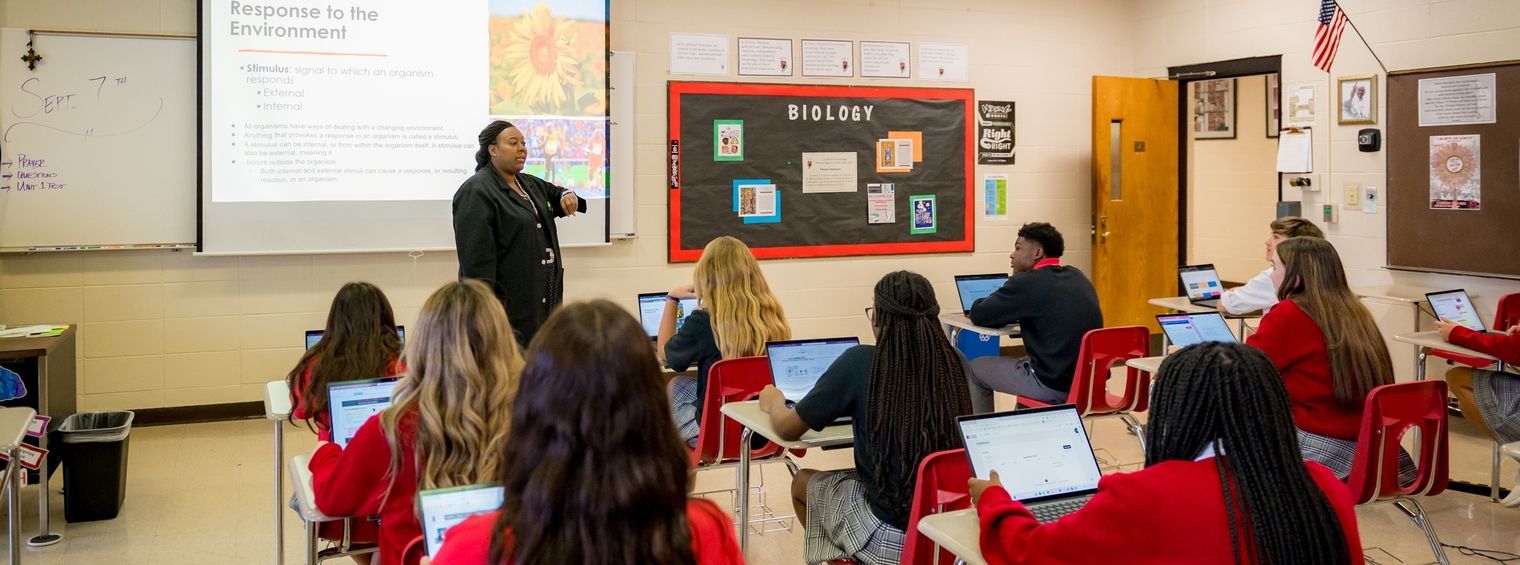
Science
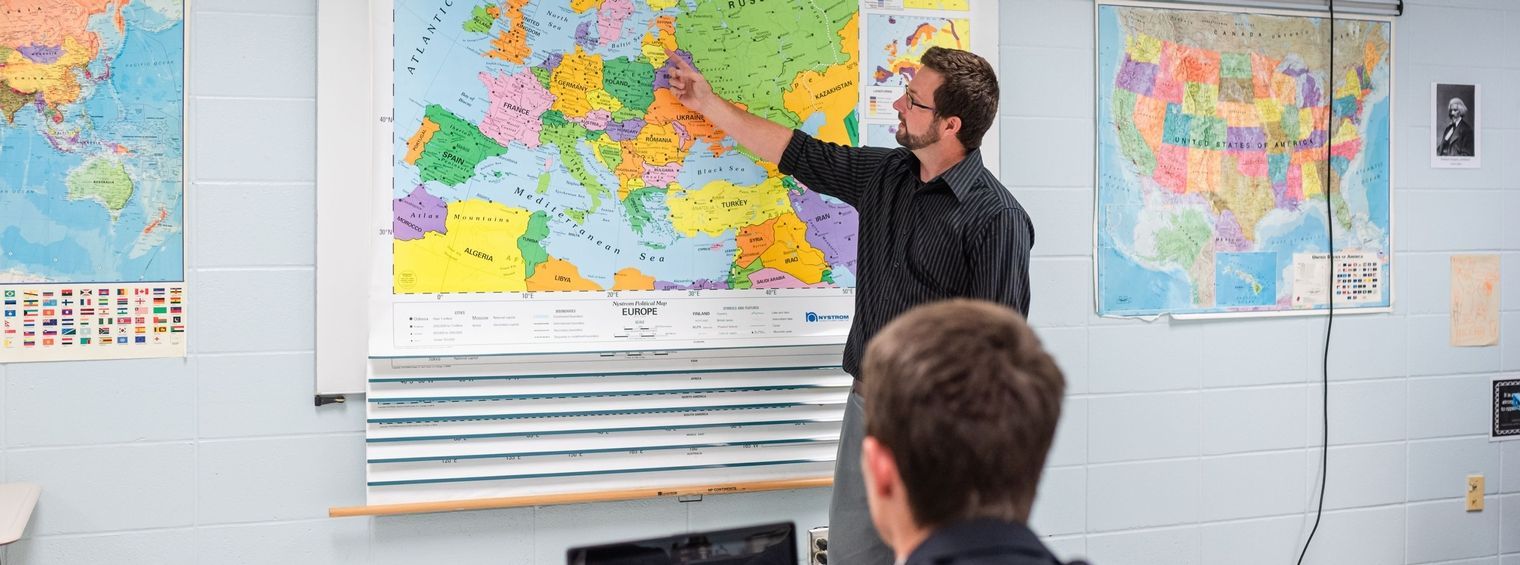
Social Studies
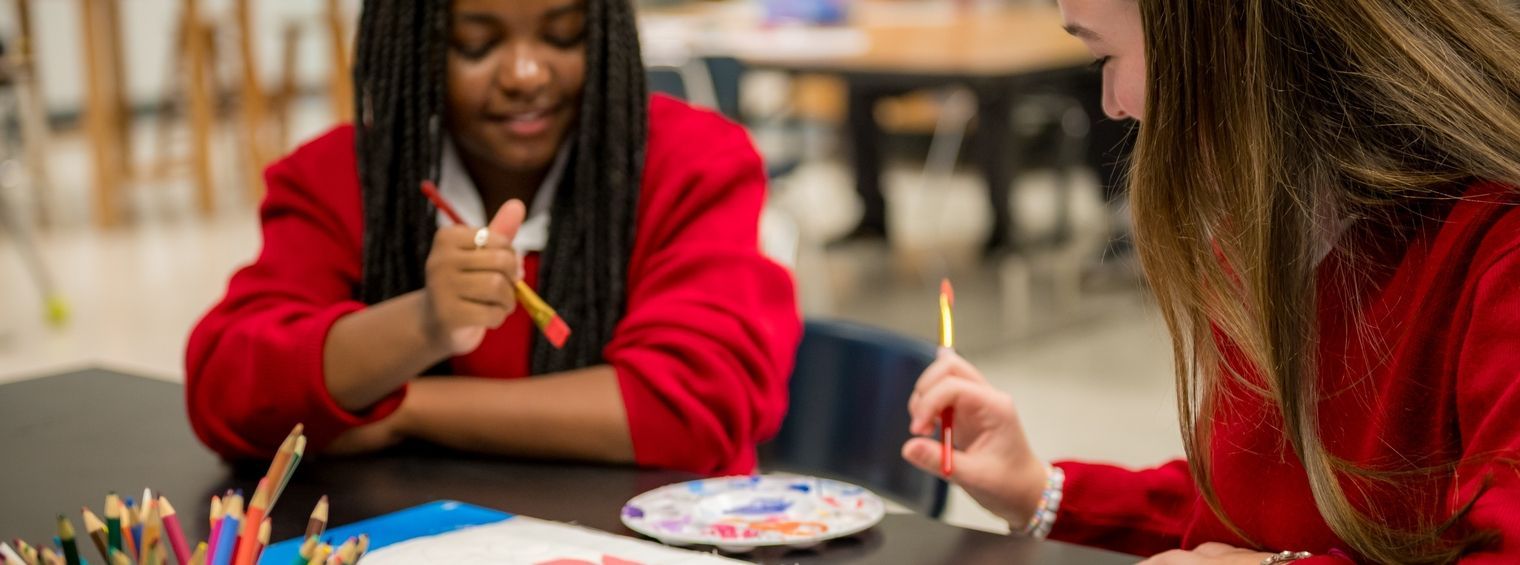
Fine Art & Electives
Students are prepared to make informed choices
Counseling Department
At St. Michael High School, our Counseling Department supports students in all grades to enhance their degree of college and career readiness. Our counselors meet with students and encourage them to participate in college exploration activities. These activities prepare them to make informed decisions when selecting a post-secondary pathway that best fits their future aspirations. We collaborate with students and their parents to enhance their knowledge of the college admissions process. We assist students with college applications, transcripts, applying for scholarships, and TOPS requirements. This guidance helps to ensure that students are prepared to make informed choices that are aligned with their passions and interests.
High school is a time of transformation for all teenagers. At St. Michael High School, our counselors partner with students on their journey, supporting them in their spiritual, academic, personal, and emotional growth to foster independence as they transition to adulthood. We invite parents and guardians to participate in this process by joining us to offer guidance and instill confidence in their student(s) in order to assist them in becoming successful young adults.
Technology
St. Michael High School prides itself on an innovative Technology Department offering courses that range from Basic Computer Literacy, to Advanced Programming and Computer Architecture. Our Mission is "to provide students and teachers the resources needed to integrate technology into the educational process." By accomplishing the mission set forth we will better prepare our students for their future.
GOALS
-To provide and develop contemporary and innovative courses that maximize opportunities for students from a range of backgrounds.
-To provide a supportive and stimulating learning environment in which students achieve their academic potential.
-To extend students' knowledge, experience and skills, thereby developing competence.
-To give students experience relevant to industry and a set of skills that enhances their employment and postgraduate study opportunities
-To make sure the proper equipment needed to meet these goals is provided to the teachers and students.
IT Help Desk
Email Help DeskThe St. Michael help desk is completely student run from diagnosing, imaging and repairing the 800 tablets we have on campus. Not only do the help desk technicians repair the computers, they also work on desktops, printers and projectors.
IT Links
- Acceptable Use Policy
- Third Party insurance
- Moodle
- Office 365
1:1 Student Tablet Program
Our school utilizes a fully implemented
1:1
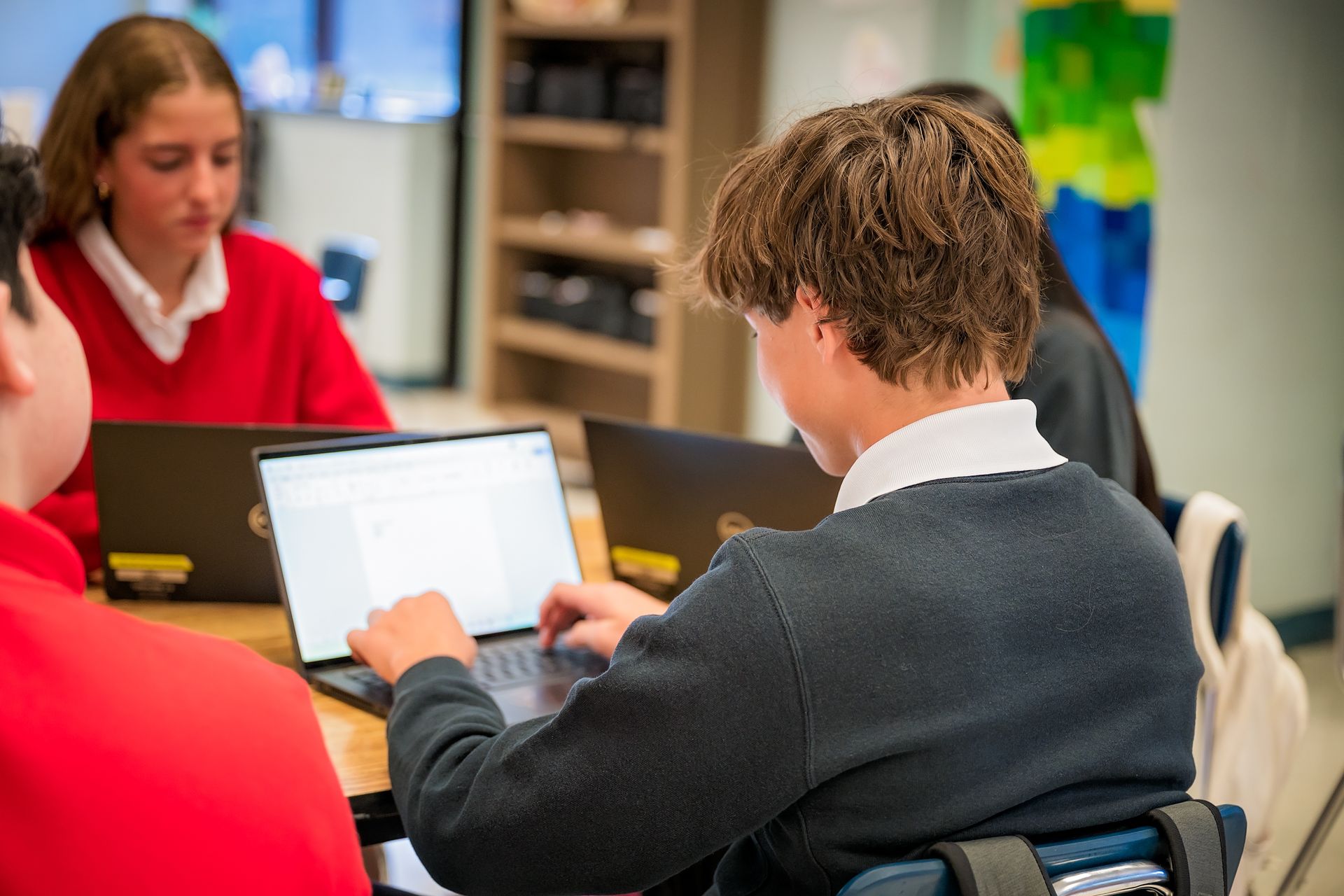
Student Tablet Program, where each student has their own tablet and a multi-touch technology to use 24 hours a day, 7 days a week. In classes, note-taking, organization of information, collaboration, problem solving, research and projects are done on the computers in a nearly paperless environment. Students have instantaneous web access for research and educational supplements and are able to easily create multi-media projects and assignments.
Why was a 1:1 technology program implemented at St. Michael?
SMHS began studying a 1:1 technology program in 2014. The program was implemented to integrate technology into the curriculum in order to prepare our students for college and beyond. Our mission is to better equip our students with skills necessary for success in life and in their careers. This initiative also aims to teach students 21st century skills such as problem-solving, global awareness, critical thinking, collaboration and communication skills. The tablet program supports our curriculum shift in which the teacher becomes more of a guide in the classroom, while allowing students to be more engaged and take ownership of their learning. As technology continues to evolve, St. Michael is committed to ensuring that our students thrive both locally and globally.
What does it mean to have a 1:1 program? How does it differ from other school technology programs?
Customarily, school technology programs are limited to the school day and are incorporated at the discretion of the teacher. In a 1:1 program, each student has a tablet computer to use 24/7. In classes, note-taking, organization of information, collaboration, research and projects are done on computers in a nearly paperless environment. Students have instantaneous web access for research and educational supplements and are able to easily create multi-media projects and assignments. The focus of education at St. Michael has changed—we have moved to more of a student-centered learning environment in which students create and evaluate information as opposed to simply receiving information from their teacher.
What does the technology fee pay for?
A technology fee is charged yearly to each student that helps to fund the technology program at St. Michael. The fee helps to fund the following: • Purchase of the tablet PCs • Educational software licensing, both general and content specific, as well as classroom management software • Provide professional development opportunities to assist teachers in their technology integration • Internet connectivity • Additional staffing • On-site Help Desk and repair facility • Protective cases • Accidental Protection Policy
What type of computer do students at St. Michael use?
St. Michael students are currently using Dell Latitude 7420.
Does the school own the Tablet PCs?
Yes. St. Michael High School owns the PCs. They are on loan to the students. Since St. Michael owns them, we can legally install our educationally priced software on them.
Are the students trained to use the tablet, and how much computer literacy is required for admission into the 1:1 program?
Basic computer knowledge and keyboarding skills are assumed of incoming students. The feeder schools do integrate technology into their curriculums, and most students have the skills needed to succeed. That said, students who need special assistance will receive the technological skills they need for success. All students receive extensive tablet training at the start of the school year.
Can students install their own software and games on the Tablet PC?
Yes. Students can install home printer drivers and other legally purchased or download appropriate software. A valid software license is always required. The Tablet PC is school owned and students must not store illegal or inappropriate materials on it. Students who breach this policy may incur serious consequences. In addition, no software may be installed that interferes with the St. Michael network, which includes but is not limited to virtual machines, and/or additional operating systems (MAC, Ubuntu, etc.). Users are also not allowed to remove software that was originally installed by the school. Students need to be aware that the Help Desk staff will re-image these computers each summer and possibly at other times if there is a hardware failure. They will be restored to the original image and any student-installed products will be the responsibility of the student.
What happens if my child’s tablet is lost or stolen?
It is strongly recommended that families provide coverage for the tablet in case of lost or theft. Parents are encouraged to contact their homeowners’ insurance companies to see if the tablet would be covered. Otherwise, tablet insurance is available through Student Insurance Partners at http://www.studentinsurancepartners.com. Replacement cost for the tablet and software is $2,000.
What happens if my child’s tablet is damaged or malfunctions?
If a student's computer malfunctions, they should go to St. Michael's Help Desk as soon as possible. If the issue is not able to be resolved immediately, your child will be temporarily issued a loaner computer. The student will receive an email from the Helpdesk when the computer has been repaired.
Better prepare our students for their future.
IDEA Lab
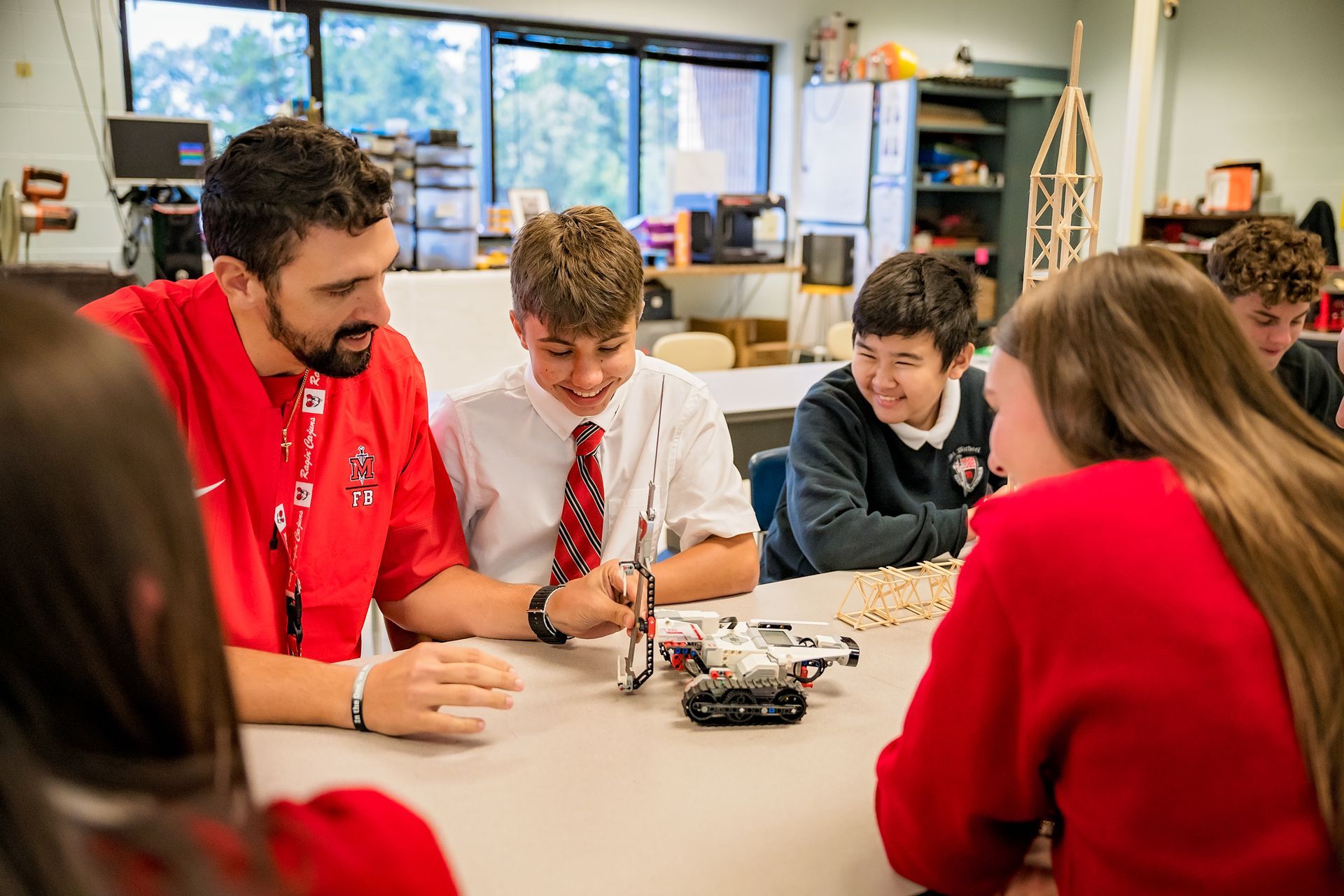
The IDEA Lab is a Makerspace and STEM lab focused on innovation, design, experience, and application. It's a space for teachers and students to engage in project-based learning and hands-on activities. Students collaborate, think critically, and enhance their engineering skills, entering with an idea and leaving with a completed project. They can also use the lab during free time before school, lunch, or after school to explore and create.
Equipped with various project design tools, the lab features virtual and augmented reality simulators, 3D printers, a plastics recycler for creating 3D filament, a laser engraver, and coding robots. Students can follow their interests, learn new tools, and develop creative projects.
Virtual and augmented reality enable students to learn materials in a new way, allowing them to take global field trips or participate in virtual dissections. The lab includes Ozobot robots for coding practice, helping students program tasks related to concepts like velocity, area, and geometric shapes.
Boyce Library Media Center
The Boyce Library Media Center is located in the heart of St. Michael High School. Thanks to a generous donation from the Boyce family, a plethora of print and electronic resources are available to meet the needs of today’s 21st century learner. From independent study carrels, plush leather chairs, multiple group work areas, to a private study room for upper classmen, the library is a hub of collaborative activity.
Our growing list of electronic resources helps students find reliable, authoritative information 24/7 in digital format. Access and passwords to our many databases are available to students via the library’s Moodle page. These tools prepare our students for advanced collegiate research and are tailored to SMHS.
The library offers a vast print collection alongside over a thousand ebooks and audiobooks via Overdrive, including summer reading titles, popular series, classics, and genre books. Boyce Library features multiple wireless access points, charging stations, and a high-quality color printer. Fiction books are genre-categorized with recommended lists for easy selection. Two chess boards are available for daily use, complemented by soft jazz to enhance the academic atmosphere.
Our Library Media Specialists are skilled in the latest research techniques and ready to assist with information and literacy needs. Memberships in the National Catholic Library Association, Louisiana Library Association, and Diocesan Catholic Schools Library Association promote our commitment to excellence and innovation.
We look forward to helping students succeed at SMHS. They have access to the library media center before and after school, during lunch, and for scheduled classroom activities.
Databases
• Gale Cengage Suite
• Facts on File – Issues and Controversies
• CQ Researcher – Pro/Con Topics
• A.C.T. Test Prep
• Streaming Videos
• Jstor
• U.S. Catholic Historian
• Overdrive eBooks
Additional Resources
More links on the library's Moodle page include the following:
• Helpful Catholic websites
• Research 24/7
• Finding Good Books
• Using Primary Resources
• Citing and Evaluating Sources
• Creation and Learning Websites
• The Power of Reading and Literacy
• Digital Citizenship